
Seating planner
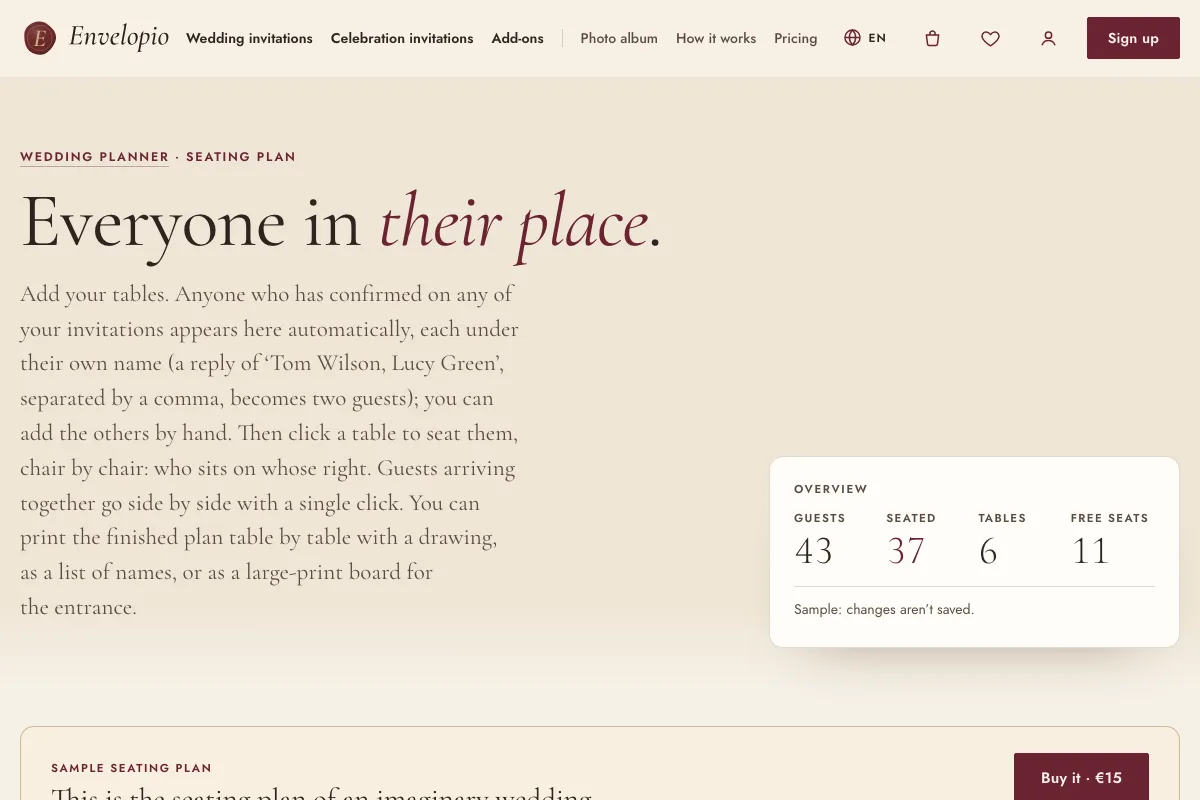
Assign your guests to tables, chair by chair. Anyone who replied to one of your invitations that they are coming appears automatically, each under their own name.
How it works
- Add your tables. Guests who replied “coming” on any of your invitations appear by themselves, each under their own name; you can add everyone else by hand.
- Seat them, chair by chair. Click a table to see who sits to whose right. Guests who arrive together can be placed side by side with one click.
- Print it. A drawing per table, an alphabetical list, or a large-print sign for the entrance. You can also download the list as a CSV file.
When is it worth it?
When most of the replies are in. In our to-do list, the seating plan is a task for the last month before the wedding.
How to buy
With an invitation: add it in your basket, or later from My account. Without one: you can buy it on its own, even if your invitation is not made with us (then replies cannot come in automatically, so you add the guests by hand). You pay once; it belongs to your account and works on every device. You can try it on a sample before buying.
Price
With an invitation, the two planners (seating and budget) together cost €15. Without an invitation, €15 each, or €25 for both.