
Ready in a single evening, and seen only by your guests.
Four steps. You can try the first three for free.
1
You choose how it opens.
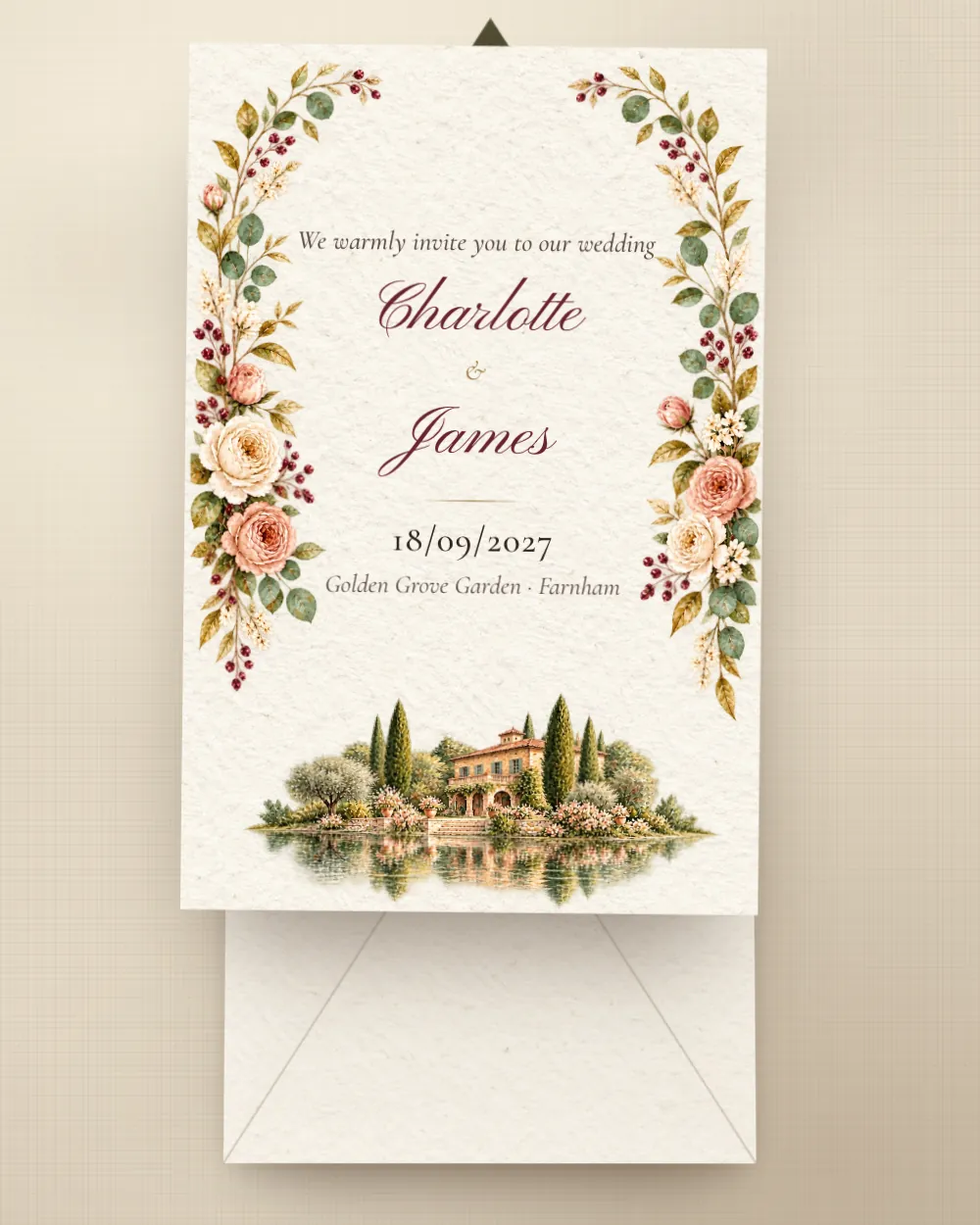
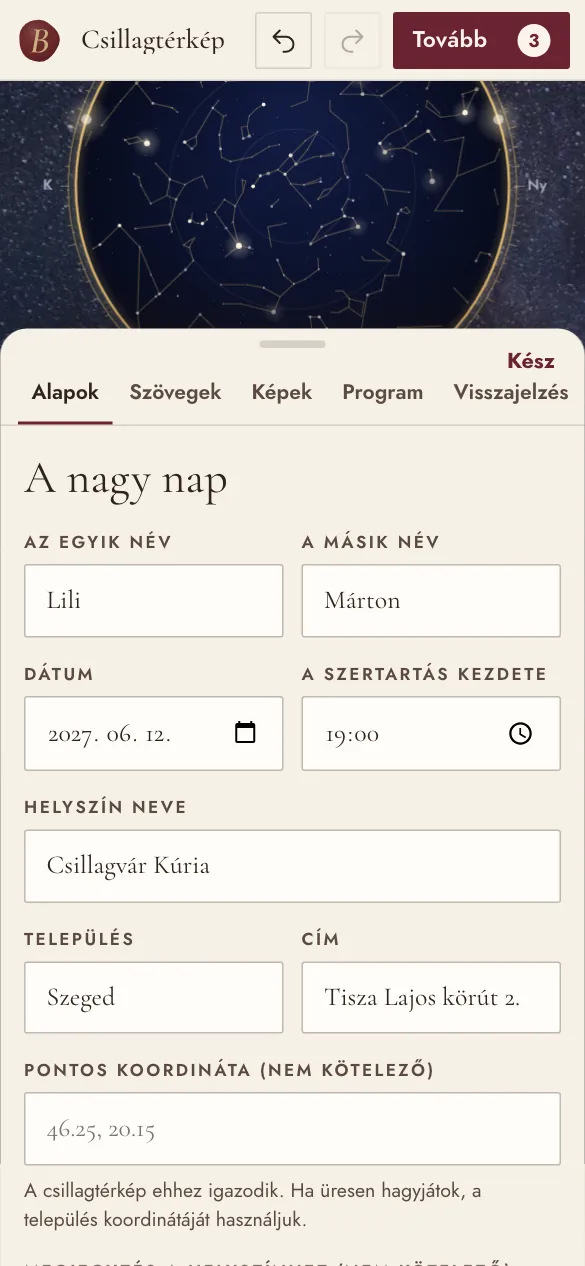
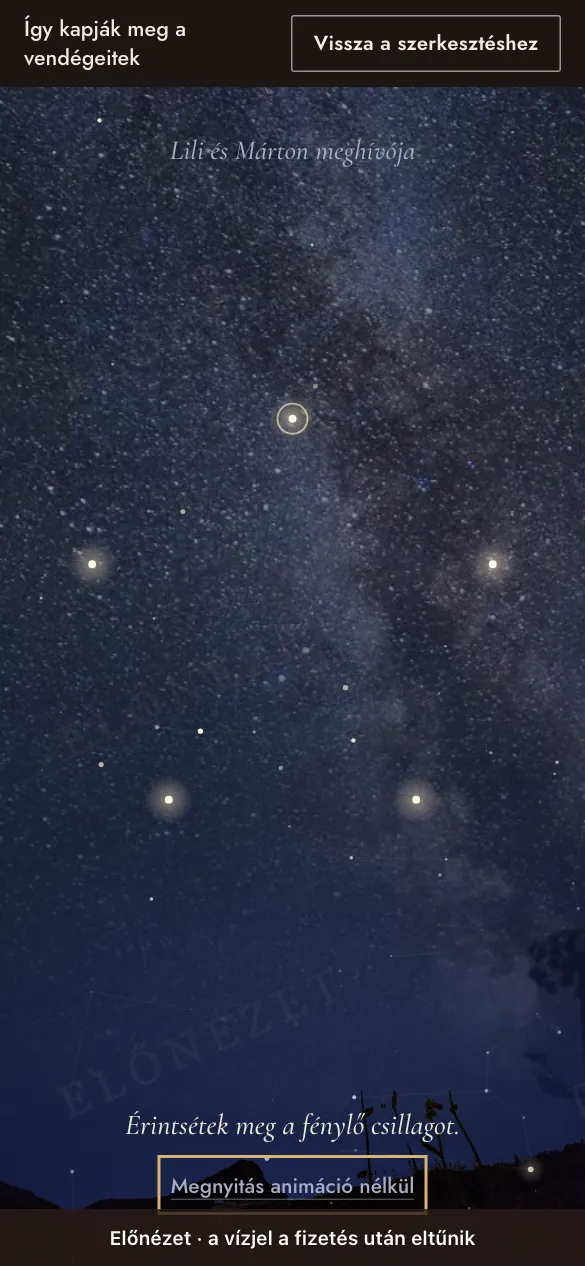
Every invitation opens differently: a wax seal, a star map, a ticket stub, a wine label. Open them and enter your names to see which one suits you.
2
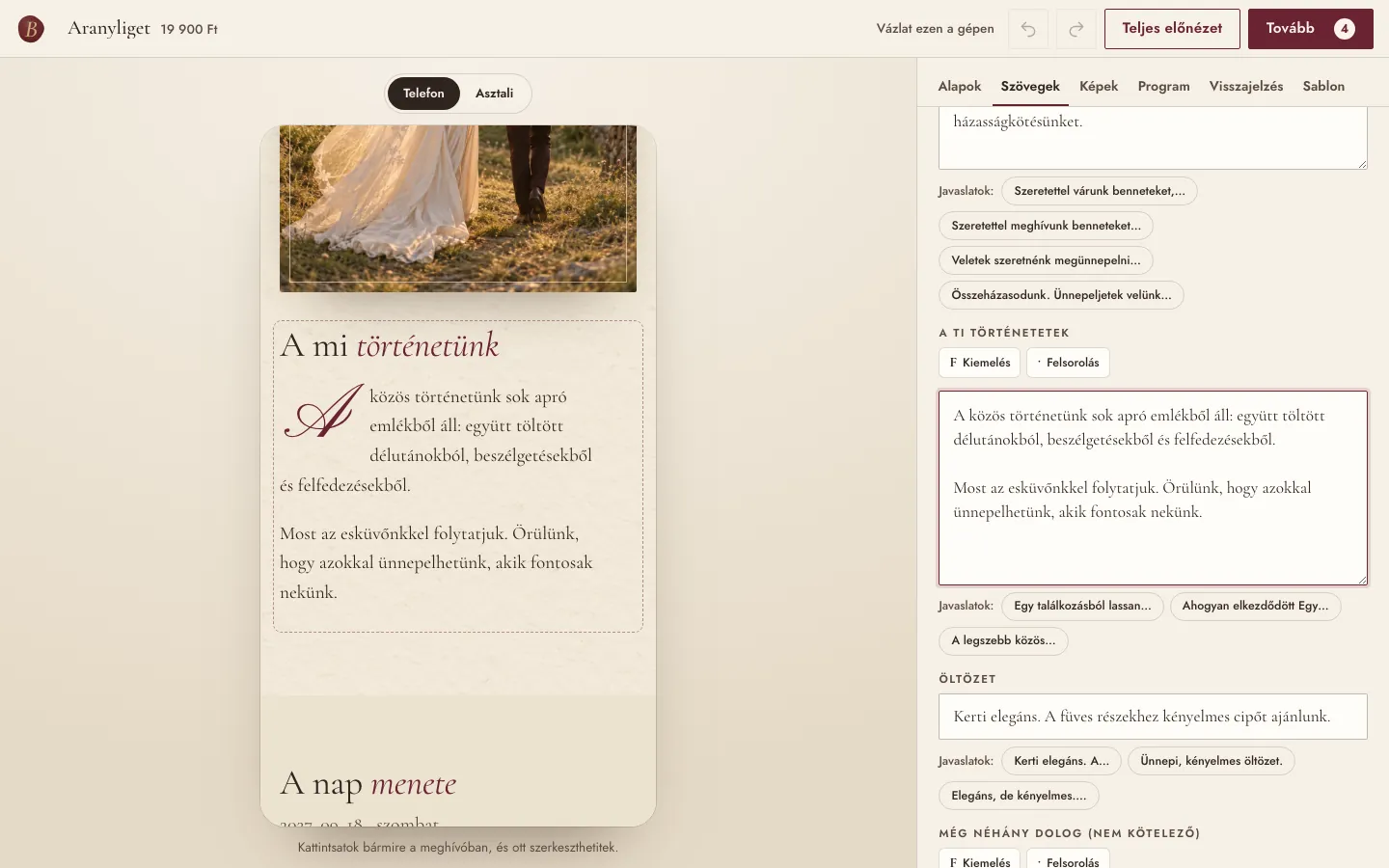
Click on anything and rewrite it.
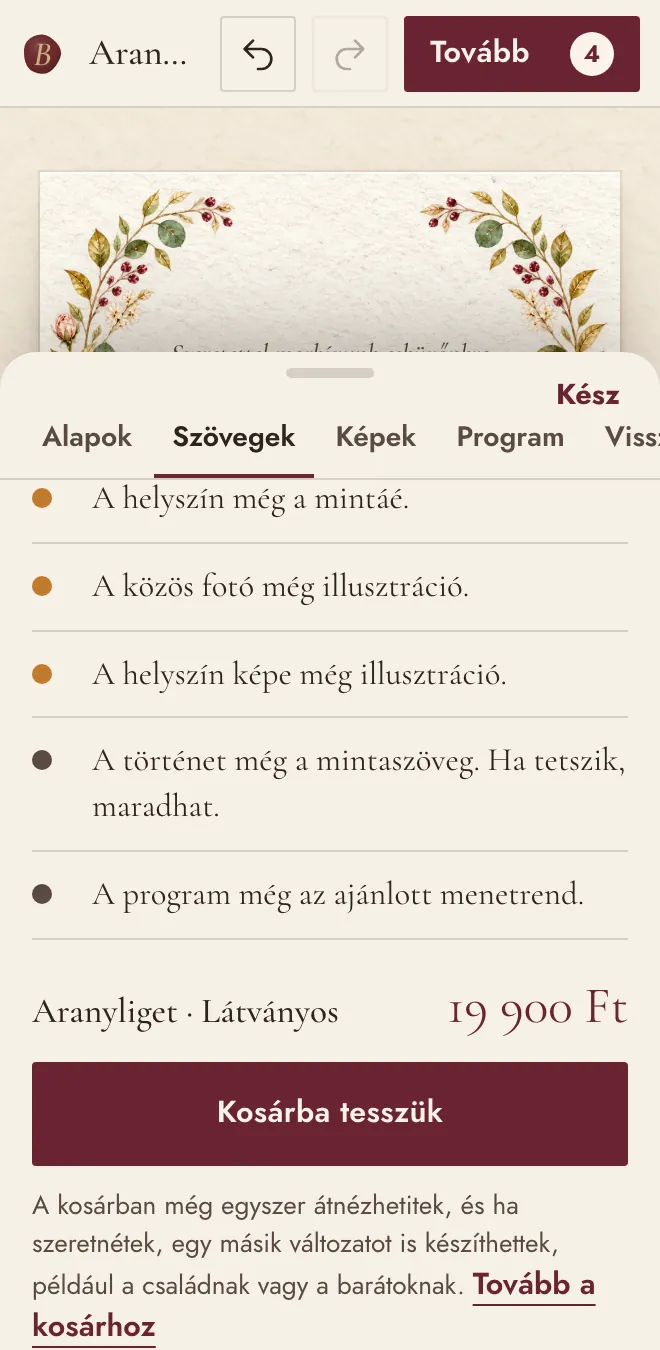
In the editor you see the invitation exactly as your guests will. Click on the names, the story or the schedule, and the field is right there. Every template comes with ready-made wording, and every step can be undone.
3
You preview it, opening and all.
In the full preview you can try out the whole invitation: the opening, the schedule, the RSVP. The watermark only shows that you haven’t sent it yet; it disappears after payment.
4
You send it, and the replies come to you.
After payment you get your own link. You can send it by message, by email or on a printed card with a QR code.
- Not public. Search engines can’t find it, and no link points to it from anywhere. You can add an access code too, such as your wedding date.
- It doesn’t change. If you correct something later, the link stays the same.
- Replies in one place. You get an email for every RSVP, you see the list in your account summarised question by question, and you can download it too.
- Before and after. As add-ons, you can show a Save the Date on the same link beforehand, and a thank-you card after the wedding; you switch between them in your account with one click. A Save the Date is worth it if the wedding is still more than 4 months away: your guests note the date, and you can finish the invitation at your own pace.
- On paper too. In your account you also get a printable card with a QR code for guests who prefer paper.
How much does it cost?
A one-off fee per invitation, from €39. No subscription, no guest limit.
Frequently asked questions
Can we try it before we pay?
Yes. You can create the whole invitation and preview it with your own details. You only pay when you want to send it.
How long does it take?
Once you have the details, it comes together comfortably in an evening. You can start from the suggested wording, and stop whenever you like: your draft is saved.
How does it reach our guests?
You get your own link, which you can share by message, by email or even with a QR code. The link isn’t public, search engines can’t find it, and you can add an access code too.
Do our guests need to install anything?
No. The invitation opens in the browser, on phones and computers alike.
What if the date or the venue changes?
Just change it in the editor, any time up to the wedding. The link stays the same, and your guests always see the latest version.
Where do we see the RSVPs?
In your account, in a live list. You get an email for every new reply, and you can download the list too.
How many guests can we send it to?
As many as you like. There’s no guest limit and no subscription.
We’d like one invitation for family and another for friends. Is that possible?
Yes. Within one order, the second invitation and every one after it is 30% cheaper, and you can carry your details over to the new version in one click.
Is there a seating plan and budget planner too?
Yes, as add-ons: with an invitation, the two together cost €15; without an invitation, €15 each, or €25 for both. You can buy them even if your invitation isn’t made with us. You buy them once, and they belong to your account. Every confirmed guest from all your invitations moves into the seating plan automatically, each under their own name, and you can print the seating chart; in the budget you keep track of estimated and final prices, deposits and deadlines. You can try them on a sample before you buy. The wedding planner’s to-do list stays free.
If we have several invitations, or a guest types in several names, who ends up in the seating plan?
Every ‘we’re coming’ reply from all your paid invitations, automatically: when you open the seating plan, new respondents appear on the ‘Not seated yet’ list. On the reply form, guests separate names with a comma (for example ‘Tom Hughes, Ellie Parker’), so each name becomes a separate guest. Without a separator it counts as one name (‘Oliver Bennett’). If they indicated more people than the names they typed, you’ll see it in the guest’s note (‘2 people coming’), and you can add the missing name yourselves; we never add made-up names. Anyone who replied to two invitations with the same name is added only once. A guest you’ve removed from the seating plan won’t come back on their own; the ‘Bring in confirmed guests’ button brings back everyone who is coming.
Some of our guests are from abroad. Will they understand it?
The invitation’s interface appears in the language you choose, and you can write your own texts in any language.
How long does the invitation stay online, and what happens to the replies?
The invitation stays available for a year after the wedding. We delete your guests’ replies 90 days after the wedding; until then you can download them as a spreadsheet at any time. You can also delete the invitation and your account sooner, with a single click.
What happens to the photos we upload?
If you’re not logged in, they stay on your own device. When you’re logged in, we save them to your account, so you can carry on editing from another device. In the invitation, only the people you’ve sent the link to can see them.
Can we get an invoice?
Yes, automatically by email after payment.